Make a WiFi QR code — guests join with one scan
"What's your WiFi password?" — followed by you spelling out fourteen characters twice. Put a QR code on the fridge instead: phones scan it and connect instantly. And since this generator runs offline, your WiFi password is never typed into some website.
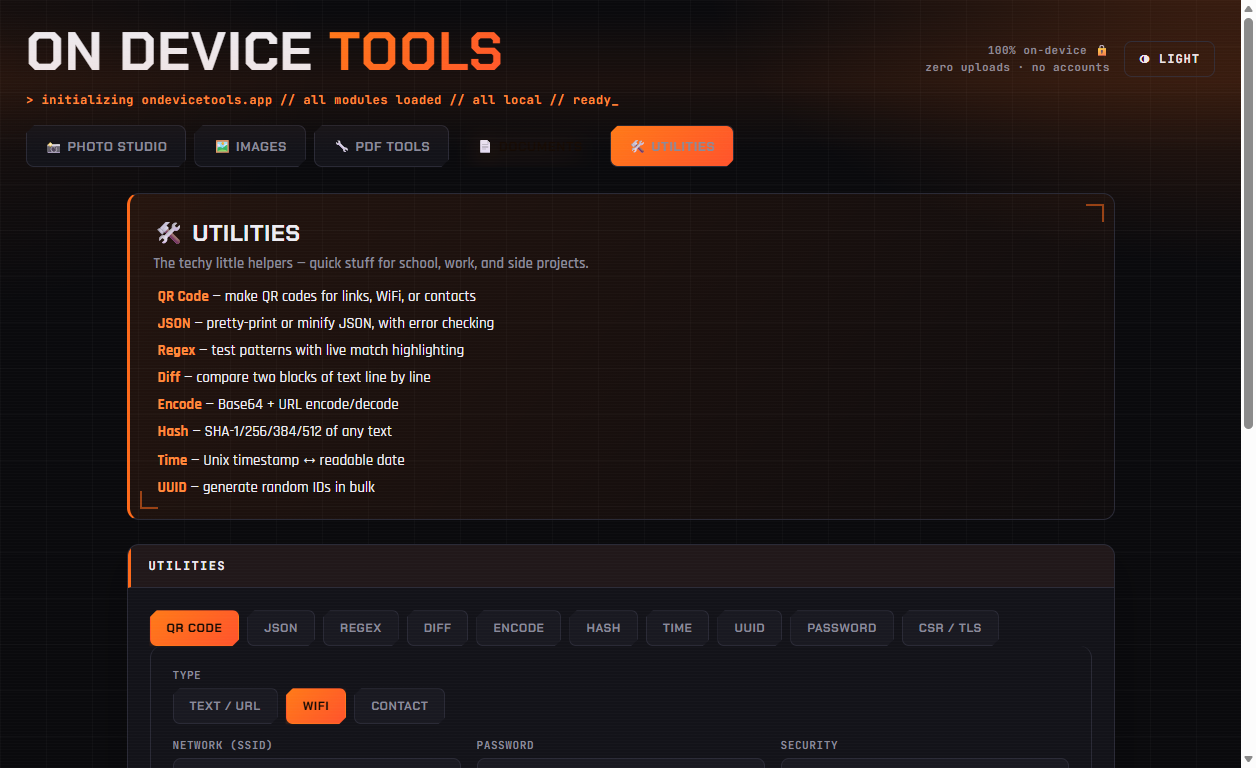
01Open the QR tool, pick WiFi
Go to Utilities → QR Code and switch the type to WiFi. (Text/URL and Contact-card QR codes live here too.)
02Enter your network details
Type your network name (SSID) exactly as it appears in WiFi lists, enter the password, and pick the security type — almost always WPA. Both iPhones and Android phones understand the resulting code natively through their cameras.
03Download, print, stick on the fridge
Generate, download the PNG, print it at any size. Guests point their camera at it → tap the prompt → connected. No spelling, no typos, no reading your password aloud.
QR codes, passwords, passport photos, PDF tools, resume builder and more — nothing ever uploaded.
Get On Device Tools →