Generate strong passwords without a website seeing them
Think about what happens when you use an online password generator: a server somewhere produced your password, and it knows what it produced. This one runs on your device using the same cryptographic randomness your browser uses for HTTPS — no server involved at any point.
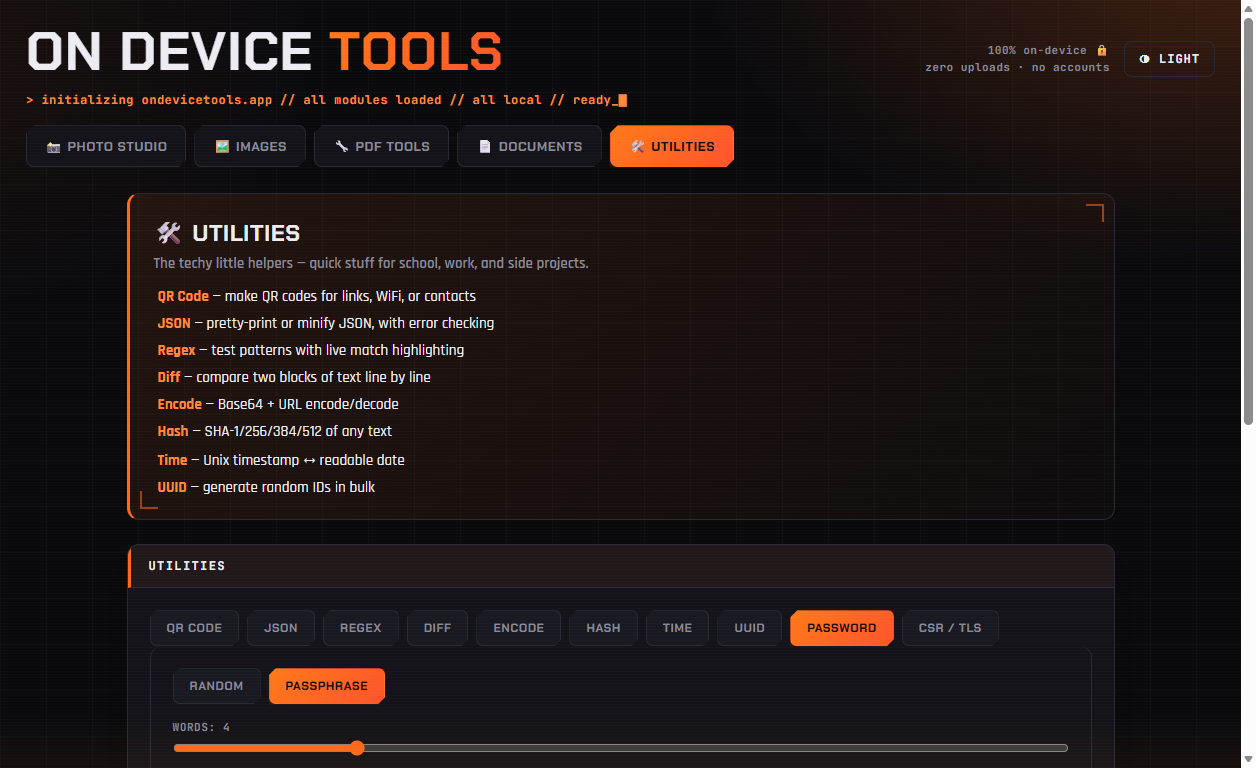
01Open the generator
Go to Utilities → Password. Two modes are available: Random for classic character-soup passwords, and Passphrase for word-based ones you can actually remember and type.
02Random: pick length and character sets
Drag the length slider (16+ is a sensible floor, 20+ for anything important) and toggle lowercase, uppercase, numbers and symbols. Enable no look-alikes to exclude 0/O and 1/l when you will have to read the password aloud or retype it from a screen.
03Passphrase: pick word count
Choose 4 or more words from the built-in list, pick a separator, and optionally capitalize and add a number. Passphrases like Cry-Convince-Civil-Fan-2 are far easier to type on a phone or TV than random characters at the same strength.
04Check the strength, then copy
The strength bar shows the entropy in bits — a real measure of how hard the password is to guess, not a vague "weak/strong" guess. Click Copy, or generate a batch by raising How many.
Passport photos, HEIC conversion, PDF tools, resume builder, QR codes and more — nothing ever uploaded.
Get On Device Tools →