Developer utilities that never see the internet
Every developer has pasted a production payload into a random JSON formatter and felt a flicker of doubt. These are the same everyday utilities, running entirely on your device — safe for real API responses, internal logs, tokens and customer data.
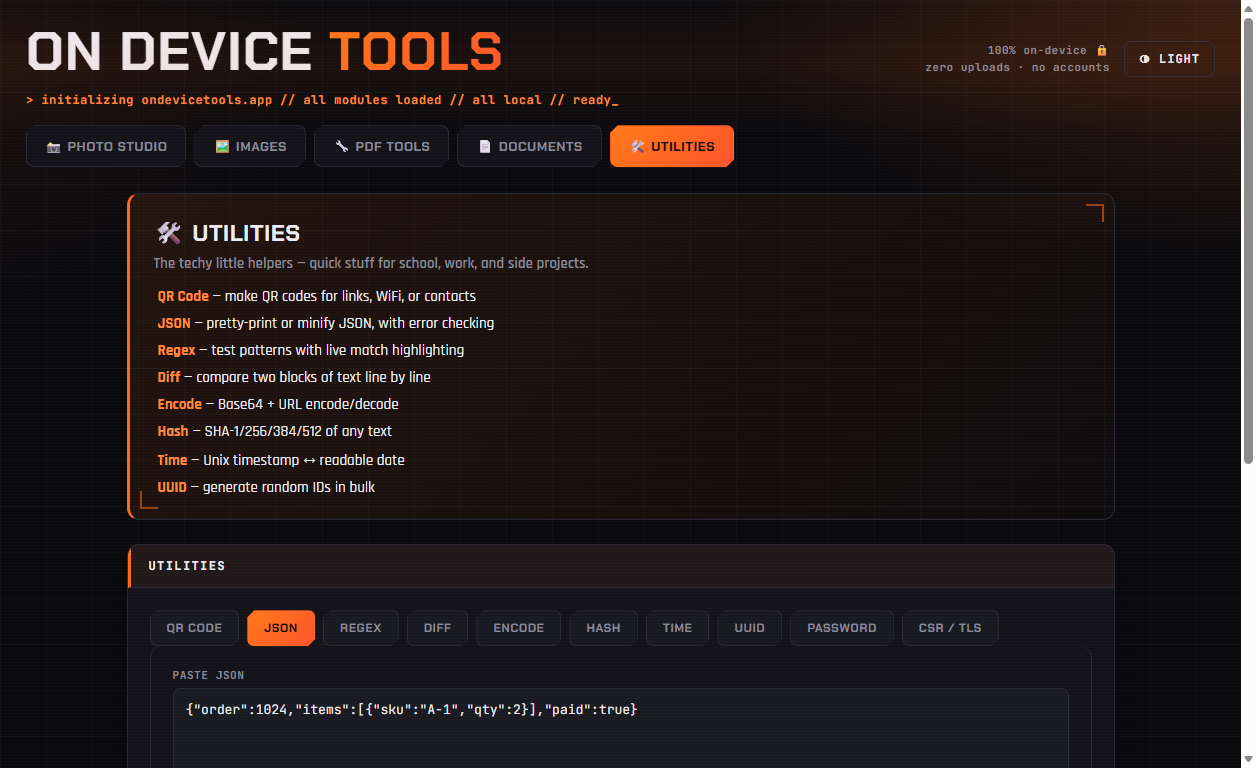
01JSON — format, minify, validate
Paste any JSON and click Format for readable indentation or Minify to strip it back down. Malformed JSON gets a plain-language error instead of a silent failure, so it doubles as a validator.
02Regex — test a pattern or build one from examples
Test pattern highlights live matches with a running count and flag chips for g, i, m, s and u. Build from examples works backwards: paste a few strings you want to match and it synthesizes a regex that generalizes their shared shape — genuinely useful when you know the data but not the syntax.
03Diff — compare two versions
Paste, drop or upload two files and click Compare for a line-by-line diff with a same-or-different summary. Long diffs can be opened in a separate window for side-by-side reading.
04Hash, Encode, Time and UUID
Hash computes SHA-1, SHA-256, SHA-384 or SHA-512 for verifying downloads or comparing values. Encode handles Base64 and URL encoding both ways. Time converts Unix timestamps to readable dates and back. UUID generates v4 IDs in bulk for seeding test data.
Passport photos, HEIC conversion, PDF tools, resume builder, QR codes and more — nothing ever uploaded.
Get On Device Tools →