CSRs, self-signed certificates and PFX bundles — offline
Generating a private key on a website is a genuinely bad idea: whoever runs that site has seen your key. This does the whole job — key generation, CSR, self-signed certificate, PFX packaging — using your browser's own WebCrypto, with nothing transmitted.
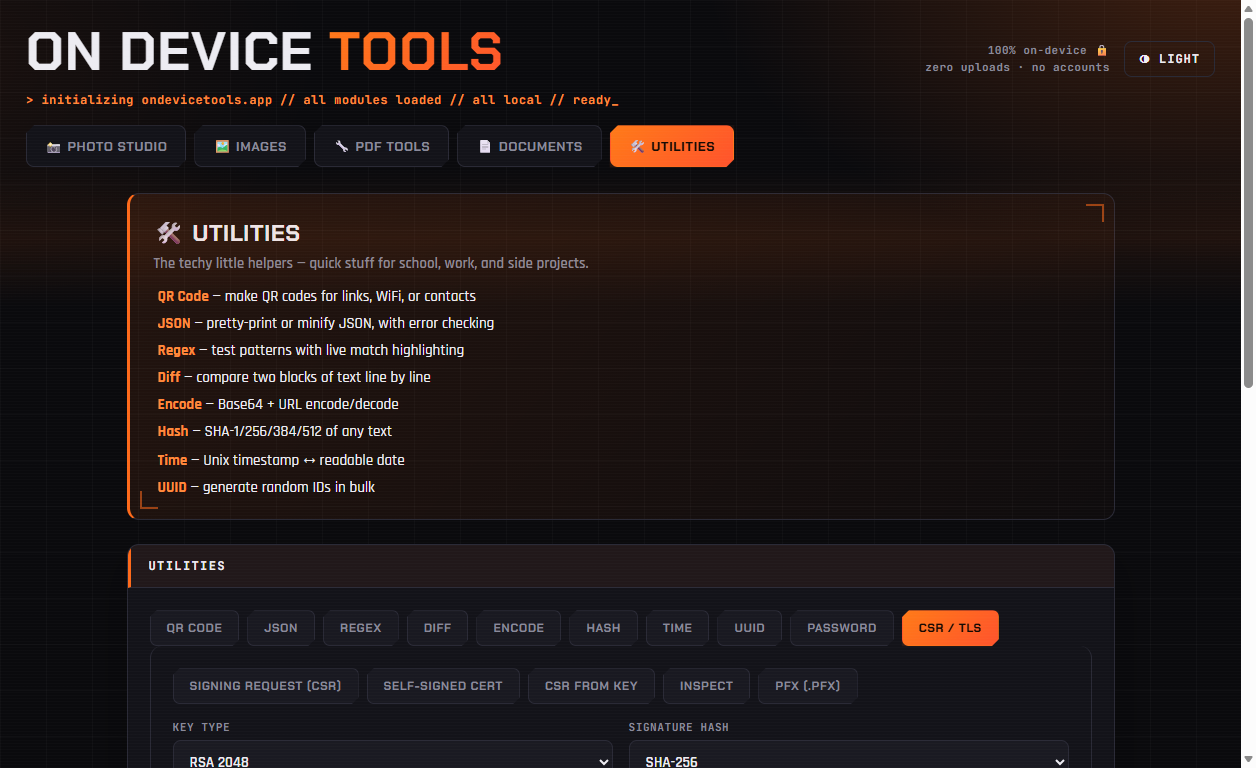
01Choose what you need
Signing request (CSR) generates a fresh key plus a CSR to send to a certificate authority. Self-signed cert makes a certificate you can use immediately for local development. CSR from key reuses a private key you already have. Inspect decodes an existing PEM. PFX bundles a key and certificate together.
02Pick the key type
ECDSA P-256 is the modern default — small, fast and widely supported. RSA 2048 is the safe choice for older systems and appliances that still expect RSA. Pair either with SHA-256 unless something specifically requires SHA-384 or SHA-512.
03Fill in the subject and every hostname
Set the Common Name, then list every hostname in Subject Alternative Names, one per line, including IP addresses if needed. Modern browsers and CAs ignore the CN entirely — a certificate missing SANs will be rejected no matter how correct the CN looks.
04Generate and save both files
Click Generate. You get the CSR or certificate in PEM form plus the matching PKCS#8 private key. Save the private key somewhere safe and never send it to anyone — the CSR is the only part a certificate authority needs.
Passport photos, HEIC conversion, PDF tools, resume builder, QR codes and more — nothing ever uploaded.
Get On Device Tools →