Make a favicon set from your logo
A favicon is not one file any more. Browsers want a 16 and 32 px icon, iOS wants a 180 px apple-touch-icon, Android wants 192 and 512, and plenty of tools still expect a genuine multi-size favicon.ico. This produces all of it from one image.
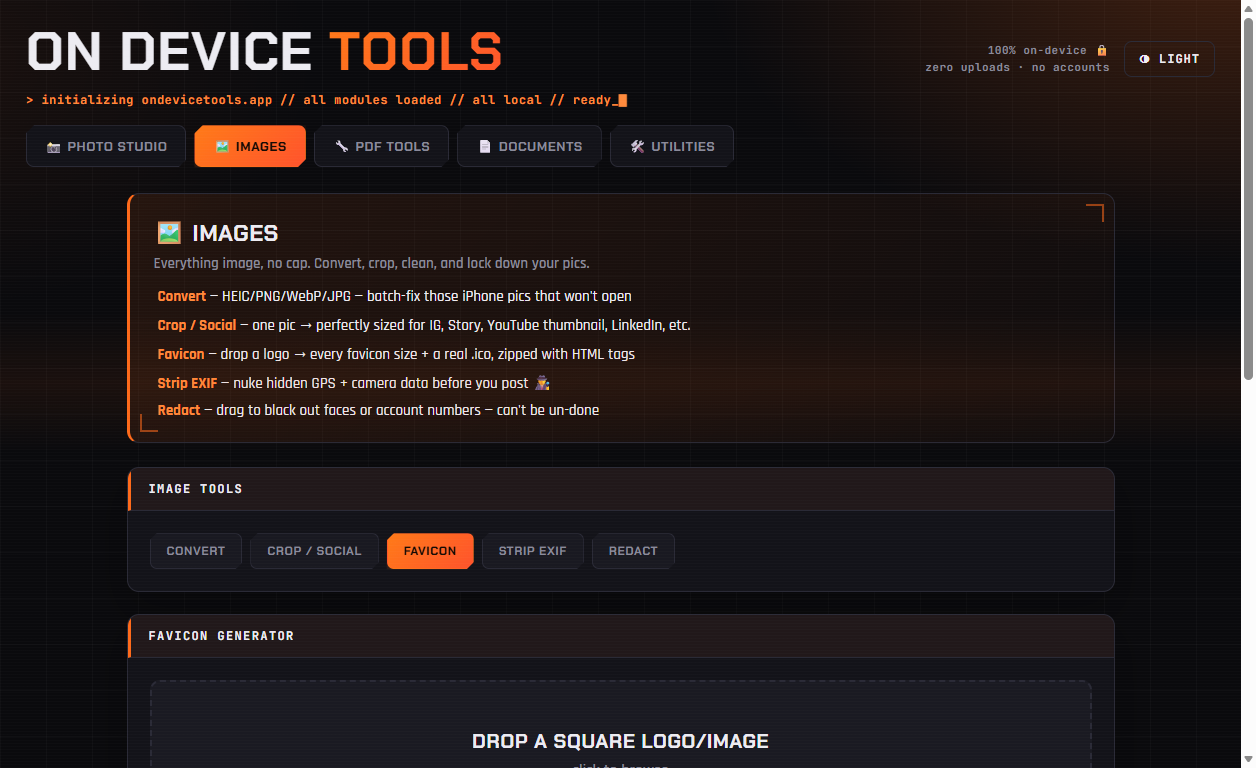
01Drop in a square logo
Open Images → Favicon and drop in your logo. A square source of at least 512×512 gives the cleanest results; PNG with transparency works well.
02Generate the set
Click Generate. You get 16, 32, 48, 180 (Apple touch), 192 and 512 px PNGs, plus a real favicon.ico containing several sizes in one file for older browsers and tooling.
03Download the zip and paste the tags
Click Download all (.zip). The bundle includes ready-to-paste HTML <link> tags — drop the files in your site root and the tags in your <head>, and every device picks the right icon.
Passport photos, HEIC conversion, PDF tools, resume builder, QR codes and more — nothing ever uploaded.
Get On Device Tools →