Remove EXIF & GPS data from photos before sharing
Every photo your phone takes quietly embeds metadata: the exact GPS coordinates where it was taken, your camera model, the precise time. Post it online and anyone who downloads it can read all of that. Here's the one-click fix.
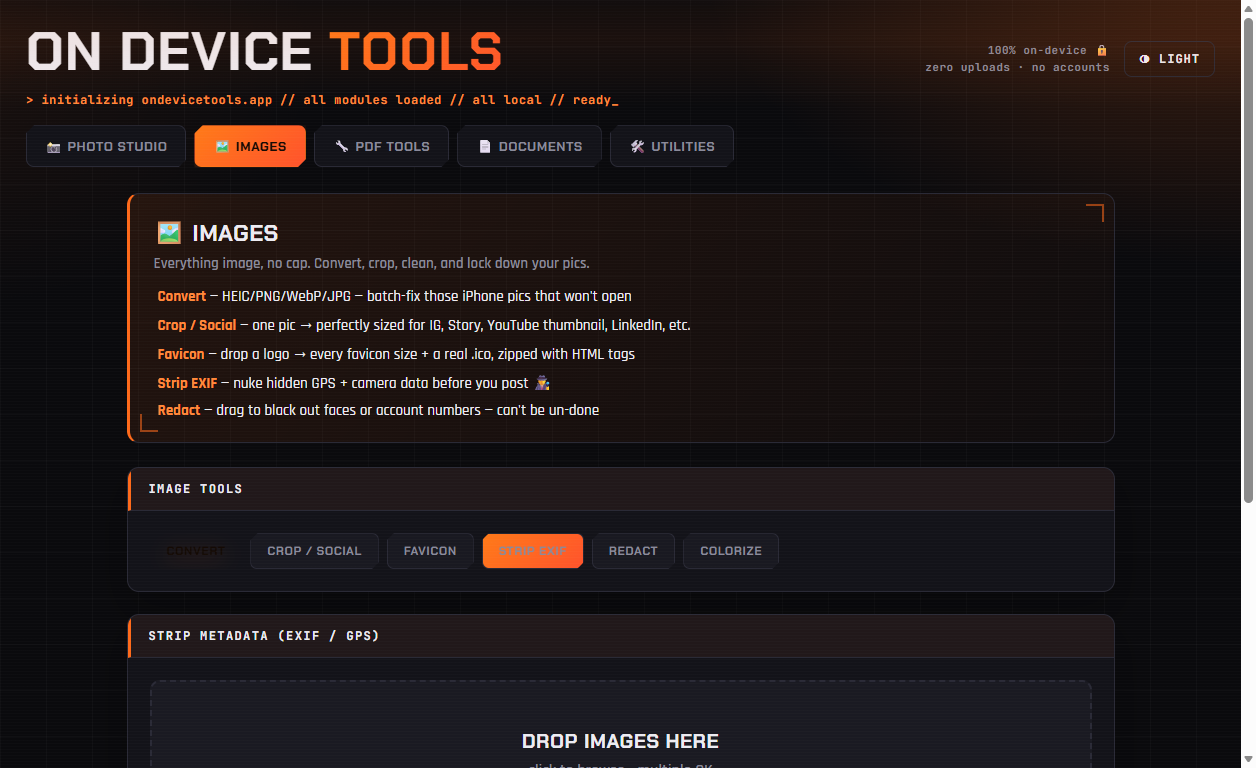
01Add photos — or a whole folder
Open Images → Strip EXIF. Drop in individual photos, or use Upload a folder to clean an entire album in one go — useful before uploading a batch to a marketplace listing, forum, or social media.
02One click strips everything
Click Strip & export. The tool rewrites each image without its metadata block: GPS coordinates, camera make and model, lens info, timestamps, editing history — gone. This happens entirely on your machine, which matters: uploading photos to a "free EXIF remover" website to protect your privacy is a contradiction.
03Share the clean copies
Download the cleaned files (singly or as a zip). Your originals keep their metadata — handy for your own photo library — while the exports are safe to post anywhere.
EXIF stripping, redaction, passport photos, PDF tools and more — nothing ever uploaded.
Get On Device Tools →