Black out private details in a photo — permanently
Before you post that screenshot of a bank statement, a delivery confirmation, or a document with your address on it: blur and pixelation can often be reversed by software. Solid black boxes cannot. Here is the safe way, done locally.
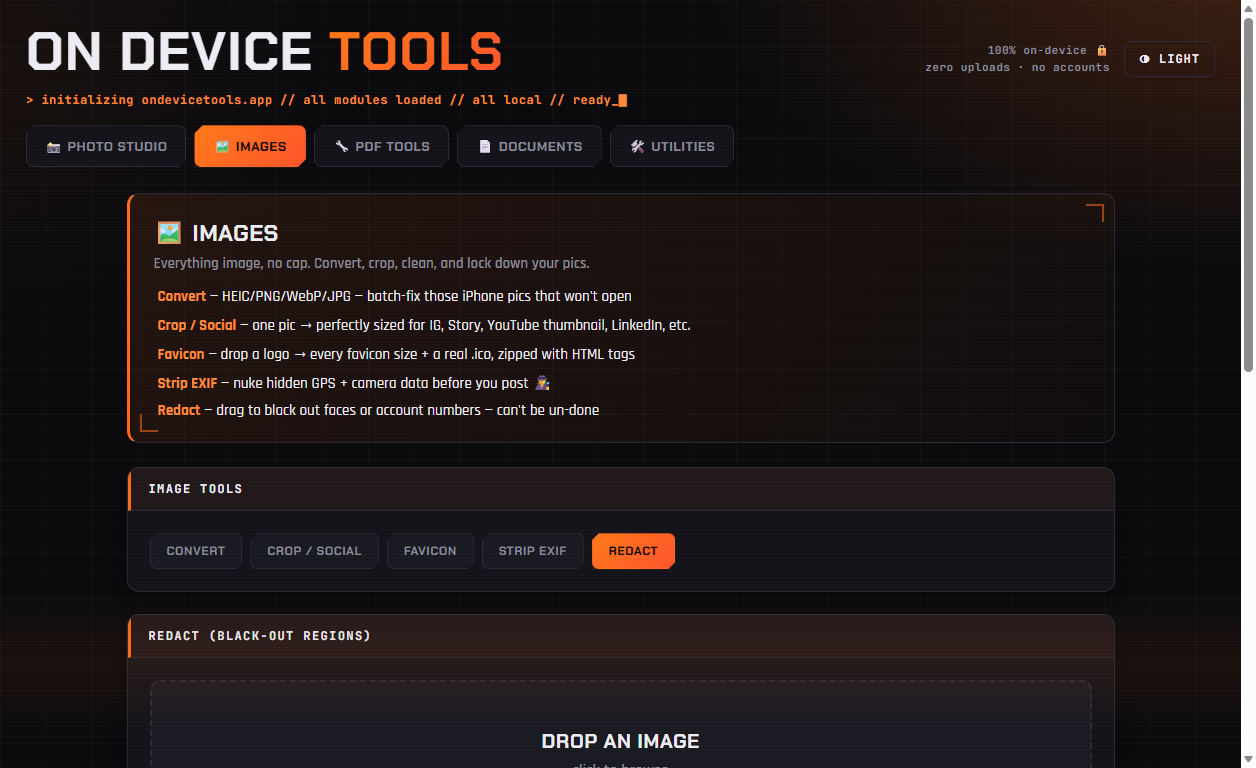
01Drop in the image
Open Images → Redact and drop in the screenshot or photo you need to clean up.
02Drag boxes over anything private
Click and drag across the image to draw a solid black box. Repeat for every detail that needs hiding — account numbers, addresses, email addresses, faces, signatures, QR codes and barcodes (which often encode personal data).
03Fix mistakes as you go
Undo last removes the most recent box; Clear starts over. Nothing is committed until you download.
04Download the redacted copy
Click Download. The exported image has the black boxes burned into the pixels — there is no layer to peel back and no original hiding underneath. Your source file on disk is untouched.
Passport photos, HEIC conversion, PDF tools, resume builder, QR codes and more — nothing ever uploaded.
Get On Device Tools →