Compress, merge & split PDFs — offline
"Attachment too large." A scan someone needs as one file instead of five. A 40-page PDF when you only need page 3. Normally you'd feed your documents — contracts, IDs, medical records — to some PDF website. These tools do the same jobs without your files ever leaving the machine.
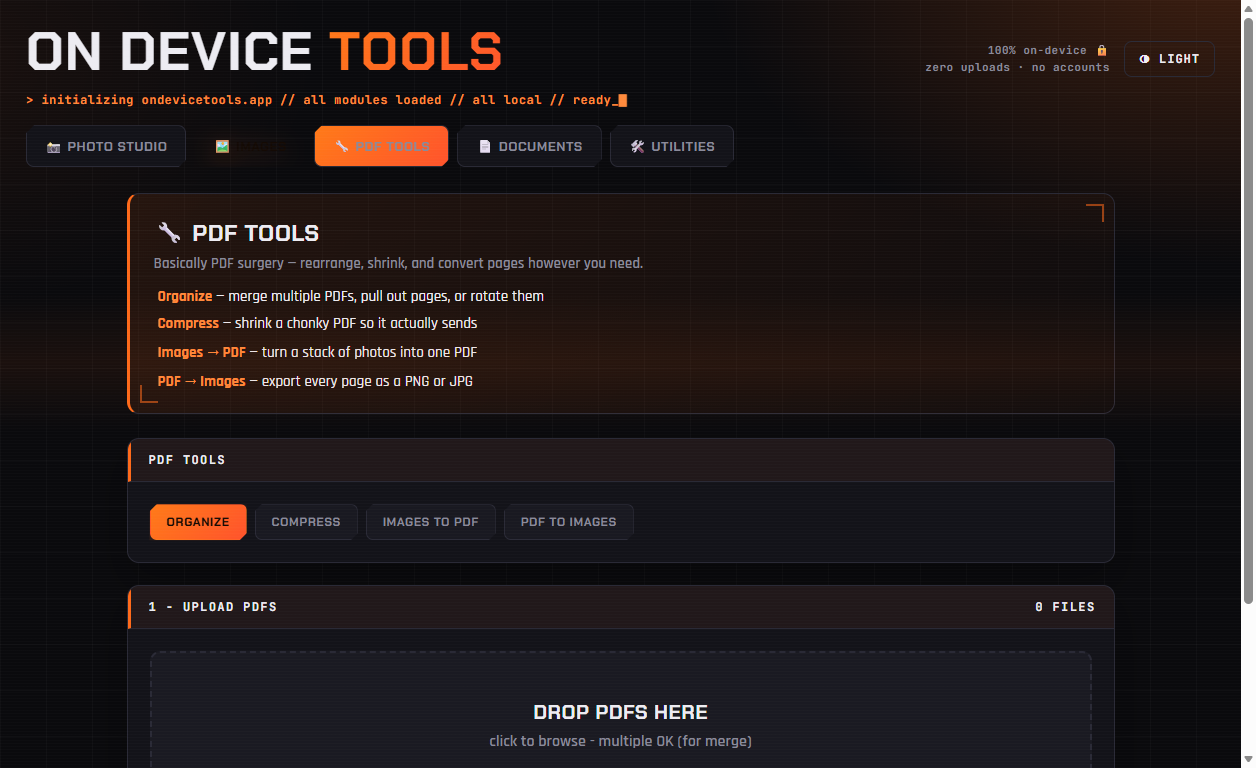
01Merge, extract or rotate — Organize
Drop several PDFs into Organize and merge them end-to-end in any order (drag to reorder). Or extract specific pages with ranges like 1-3,5,8, or fix a scan that came in sideways. Pages stay as real text — nothing gets rasterized.
02Shrink oversized PDFs — Compress
Drop a chonky PDF into Compress, pick a preset — Screen (smallest), eBook (balanced), Print (higher quality) — and download a file that actually sends. Best for scans and image-heavy documents; note the text won't be selectable afterwards since pages are re-rendered.
03Convert — Images ↔ PDF
Images to PDF turns a stack of photos into one tidy document (receipts, whiteboards, homework). PDF to Images exports every page as a PNG or JPG at up to print resolution.
PDF tools, passport photos, HEIC conversion, resume builder and more — nothing ever uploaded.
Get On Device Tools →