Turn PDF pages into JPG or PNG images
Sometimes you need a page as a picture: to drop a diagram into a slide deck, post one page of a menu, or attach a form where images are the only thing accepted. This exports every page at the resolution you choose.
01Drop in the PDF
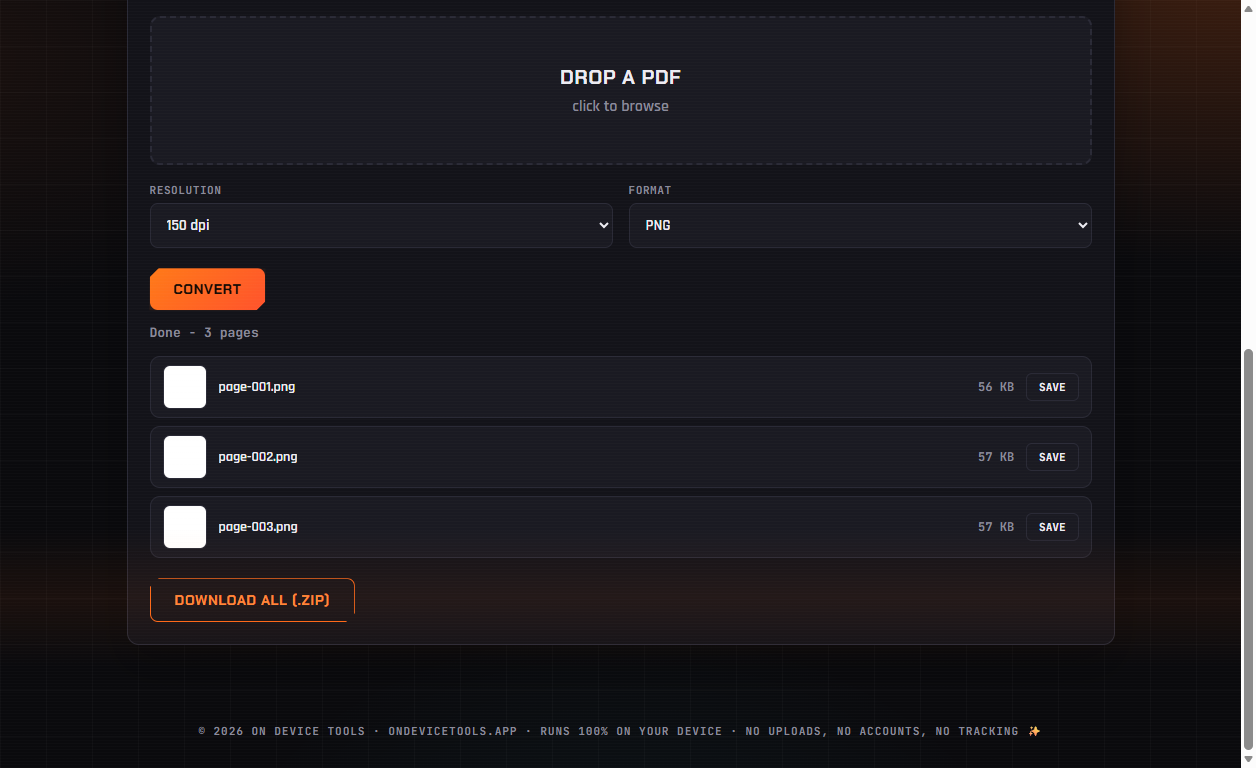
Open PDF Tools → PDF to Images and drop your file in. Every page will be rendered, however many there are.
02Choose resolution and format
96 dpi is fine for screens and email. 150 dpi is the balanced default. 300 dpi is what you want if the image will be printed or zoomed into. Pick PNG for crisp text and diagrams, JPG for photo-heavy pages and smaller files.
03Convert and save
Click Convert and watch the pages appear as thumbnails. Save any single page with its save button, or grab everything at once with Download all (.zip).
Passport photos, HEIC conversion, PDF tools, resume builder, QR codes and more — nothing ever uploaded.
Get On Device Tools →