Convert JPG photos into one PDF
"Please send it as a single PDF." Receipts for an expense claim, homework pages, a passport and visa scan, photographed contract pages — the request is always the same, and phones only ever give you a pile of JPGs. This turns them into one tidy PDF in about a minute.
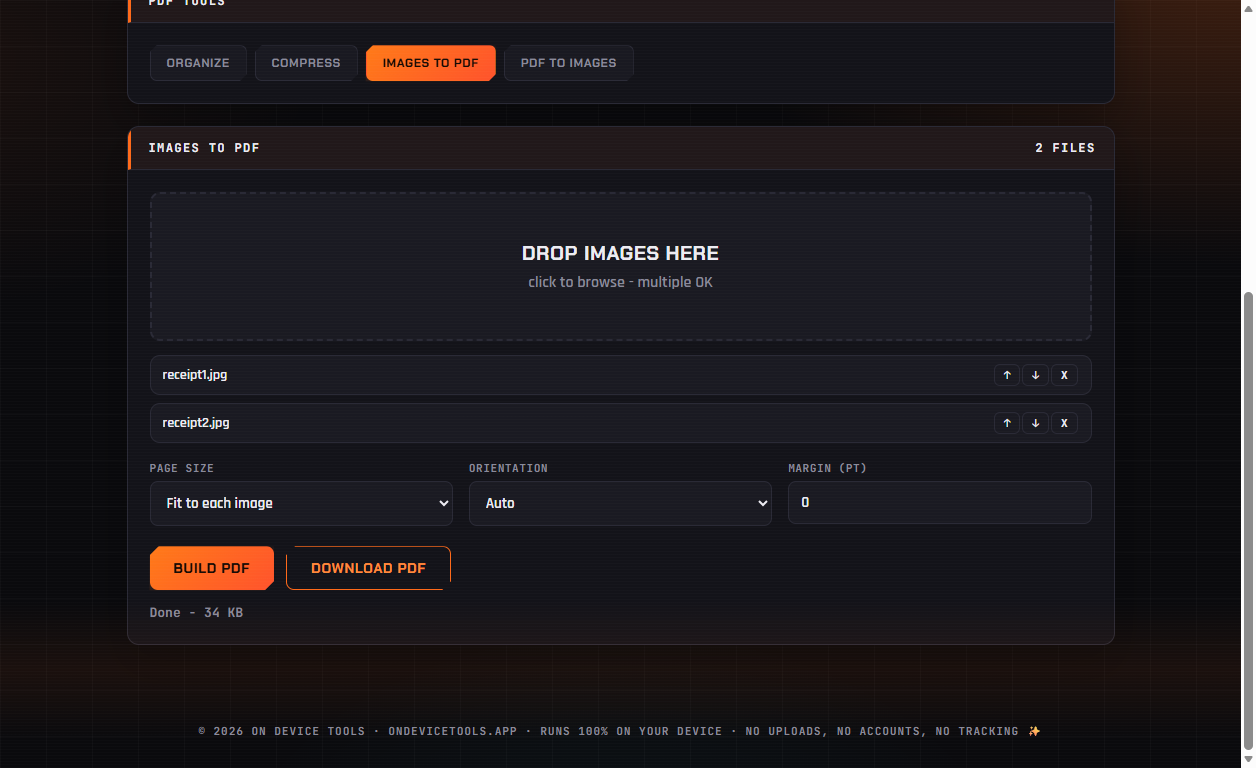
01Drop your photos in
Open PDF Tools → Images to PDF and drag in your JPG, PNG or WebP files. Each becomes one page of the finished PDF, in the order listed.
02Pick the page size
Fit to each image makes every page exactly the shape of its photo — best for screenshots and receipts. Choose A4 or Letter when the PDF will be printed or submitted to an office that expects standard paper. Add a margin in points if you want white space around each image.
03Build and download
Click Build PDF, then Download PDF. The whole conversion happens in the app — your receipts, IDs and documents never touch a server.
Passport photos, HEIC conversion, PDF tools, resume builder, QR codes and more — nothing ever uploaded.
Get On Device Tools →